
Design the deck with them. Sign it before you leave.
Your rep builds the deck at the table with the homeowners: size, shape, stairs, railing, and boards. Then they show it on their own back yard, walk through the price and the ways to pay, and get it signed.
$80M+ sold in the homeNearly 15 years of in-home sales
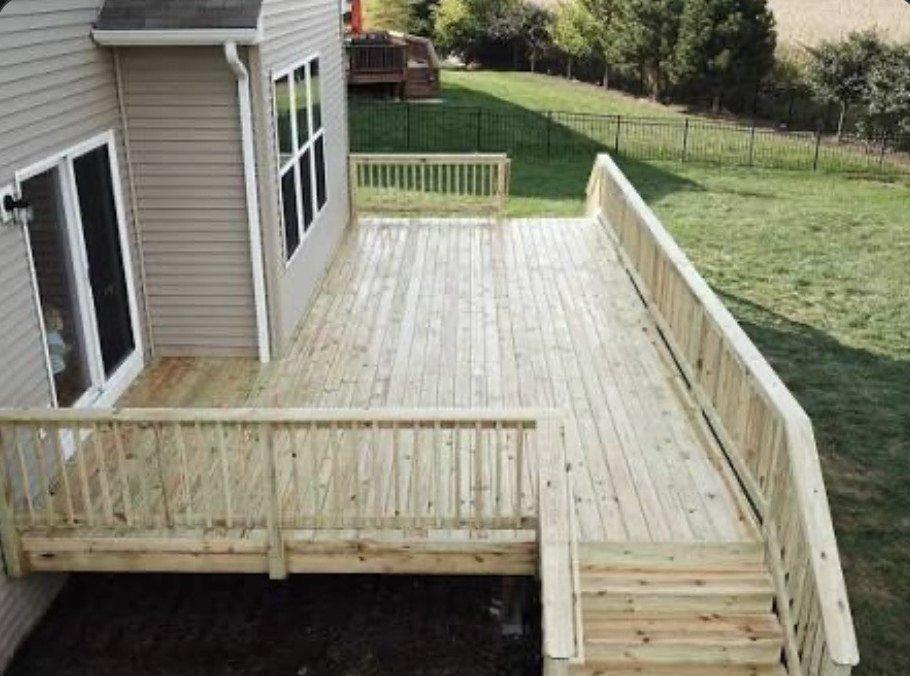
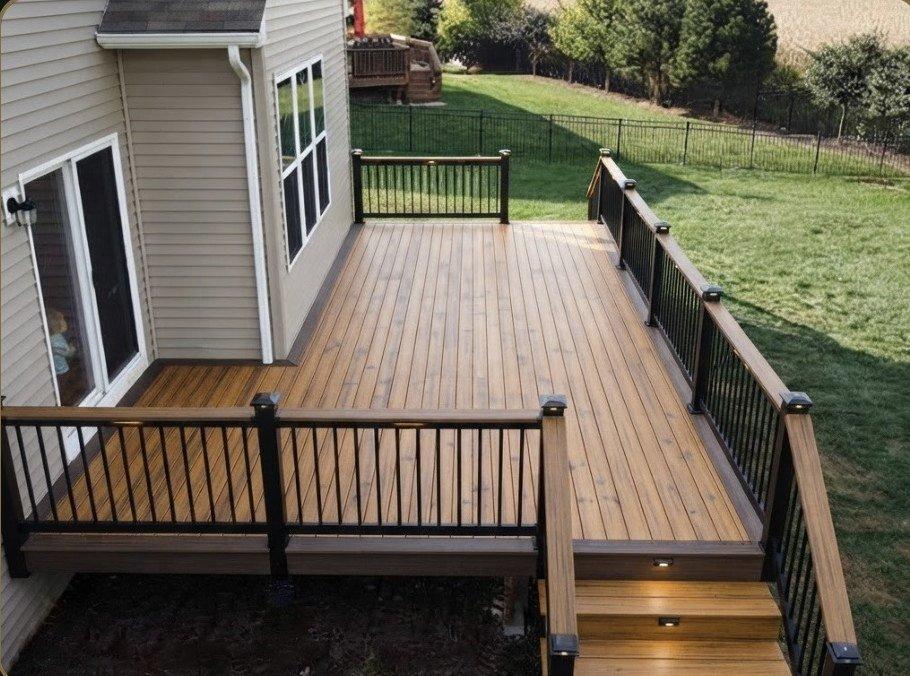
Designed with the homeowners, then shown on their own yard.
The whole appointment, in one app
- Step 1MeasureDimensions, elevation, shape, and site conditions.
- Step 2BuildStairs, landings, framing, railing, skirting, and boards from your own catalog.
- Step 3VisualizeA photo of their yard, shown with the deck they just designed.
- Step 4InvestmentRetail value, your current promotion, then cash, deposit, or a monthly payment.
- Step 5AgreementProposal and agreement signed on screen, with nothing for the office to re-key.
Why it closes more on the first visit
It's their deck, not your pitch.
When the homeowners make the choices at the table, they're buying the deck they designed.
They see it before they pay for it.
Their own yard, with their deck on it, answers the question a drawing can't.
The price comes out in the right order.
Retail, then the promotion, then the ways to pay, so reps stop leading with the discount.
More on this: why reps lead with the discount and what one-party appointments really cost.
What's in the decks app
- Dimensions, elevation, and shape
- Stairs, landings, and framing
- Fascia, picture frame, railing, and skirting
- Demolition and site conditions
- Boards and rail systems from your own catalog
- Colors that match in the app, the rendering, and the proposal
Also for siding and windows. Run one trade or any combination.
Decks questions
Can it show the deck on the homeowner's yard?
Yes. Your rep takes a photo of the yard and shows the deck the homeowners just designed.
Does it use my boards, rail systems, and prices?
Yes. Setup loads your catalog, price book, promotions, and financing, so every deck is priced your way.
Can I add siding or windows later?
Yes. Each trade is its own module. Run one or any combination.
How is it priced?
A one-time setup plus a monthly subscription based on the modules you run and the size of your team, quoted on a demo call. How pricing works
Can I try it first?
Yes. The free demo includes the deck app with sample jobs. Try RenderBid for Free