
Every opening, priced right, signed on the first visit.
Your rep configures each opening with the homeowners (style, size, frame, glass, color, grids, and hardware) and the price fills in automatically. Then they present the investment, the ways to pay, and the agreement.
$80M+ sold in the homeNearly 15 years of in-home sales
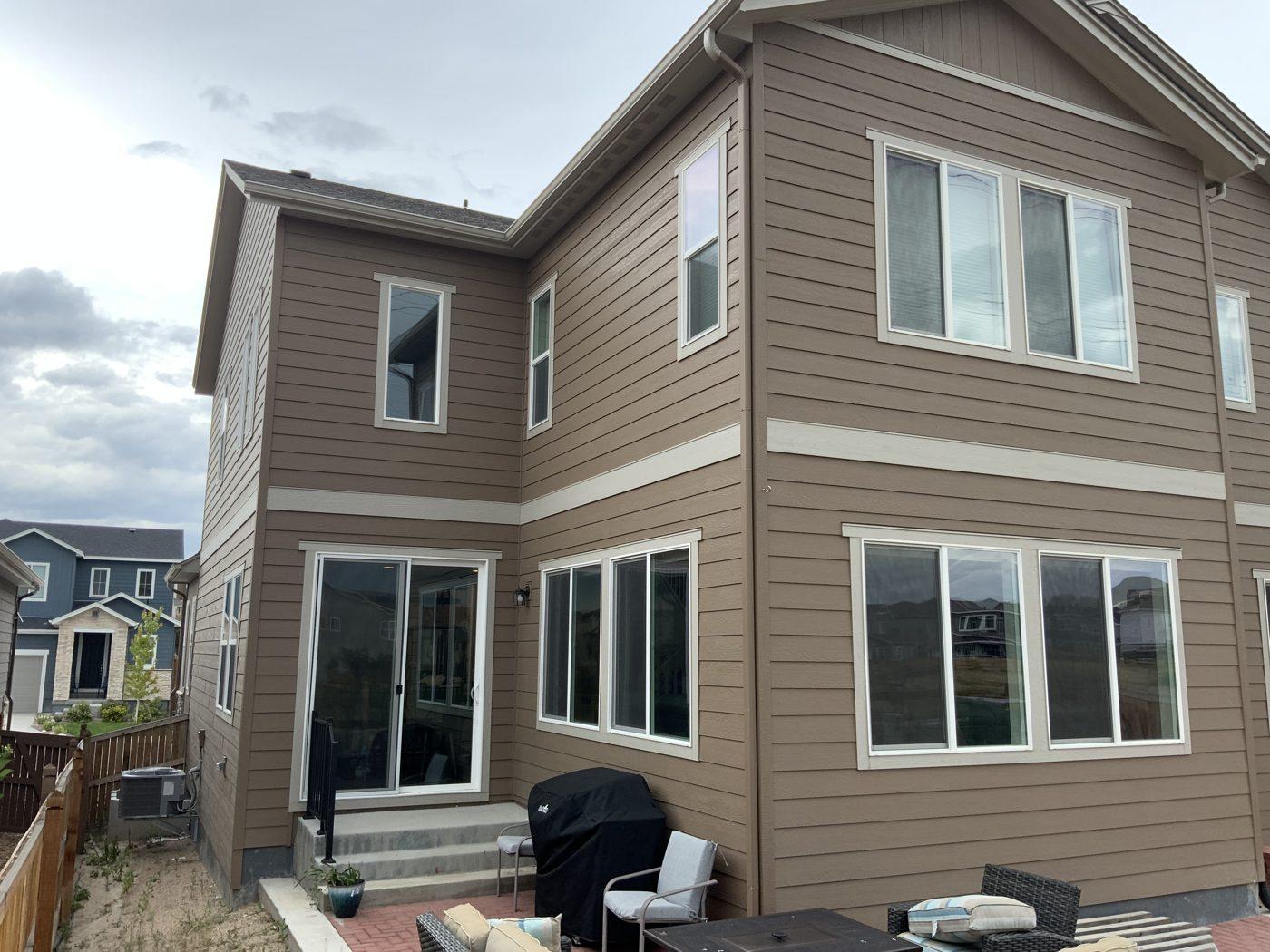
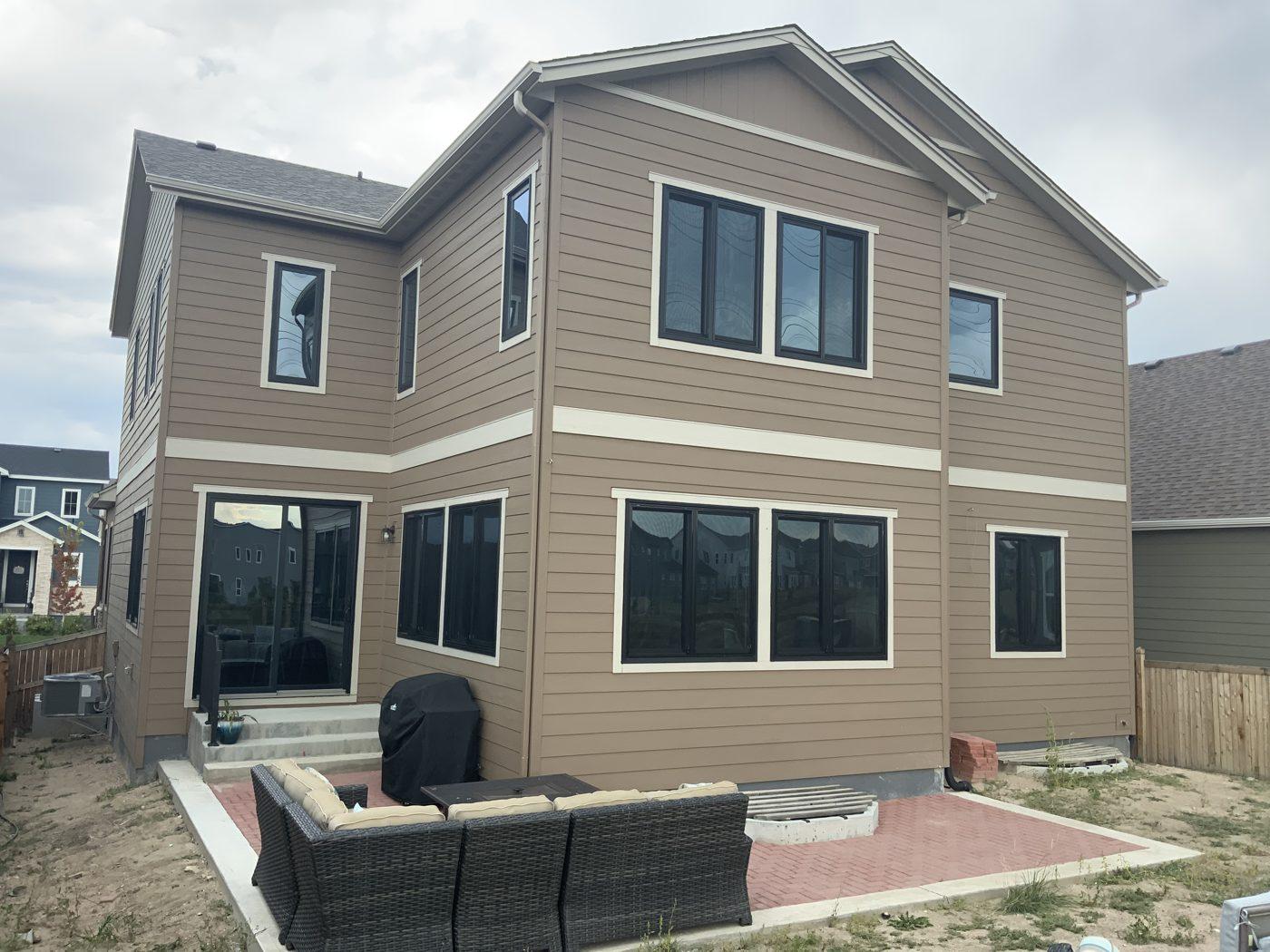
A real window project: white frames to black, with darker tinted glass.
The whole appointment, in one app
- Step 1MeasureEach opening, room by room, with its size and shape.
- Step 2BuildStyle, frame, glass, color, grids, hardware, and installation method for every opening.
- Step 3PriceAutomatic pricing from size and options, with your minimums and special-shape rules.
- Step 4InvestmentRetail value, your current promotion, then cash, deposit, or a monthly payment.
- Step 5AgreementProposal, agreement, and a window schedule for production, with nothing to re-key.
Why it closes more on the first visit
No pricing mistakes at the table.
Size and options set the price, so a long window list doesn't mean a long night with a spreadsheet.
Production gets what was sold.
Room labels and a window schedule go straight from the agreement to your office.
The price comes out in the right order.
Retail, then the promotion, then the ways to pay, so reps stop leading with the discount.
More on this: why reps lead with the discount and what one-party appointments really cost.
What's in the windows app
- Opening-by-opening style and size
- Frame, glass, color, grids, and hardware
- Installation method and accessories
- Automatic pricing from size and options
- Minimums and special-shape pricing
- Room labels and a window schedule for production
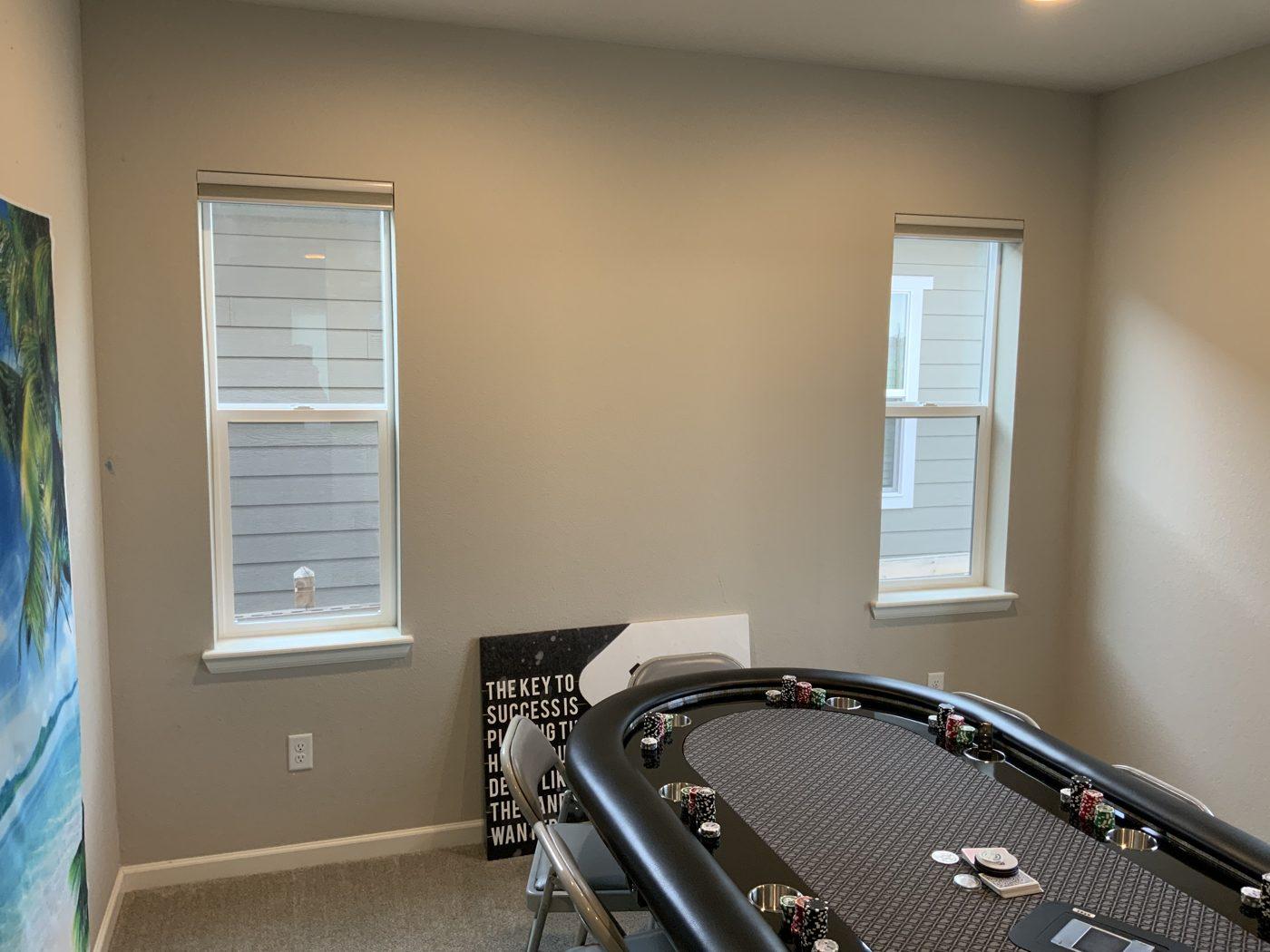
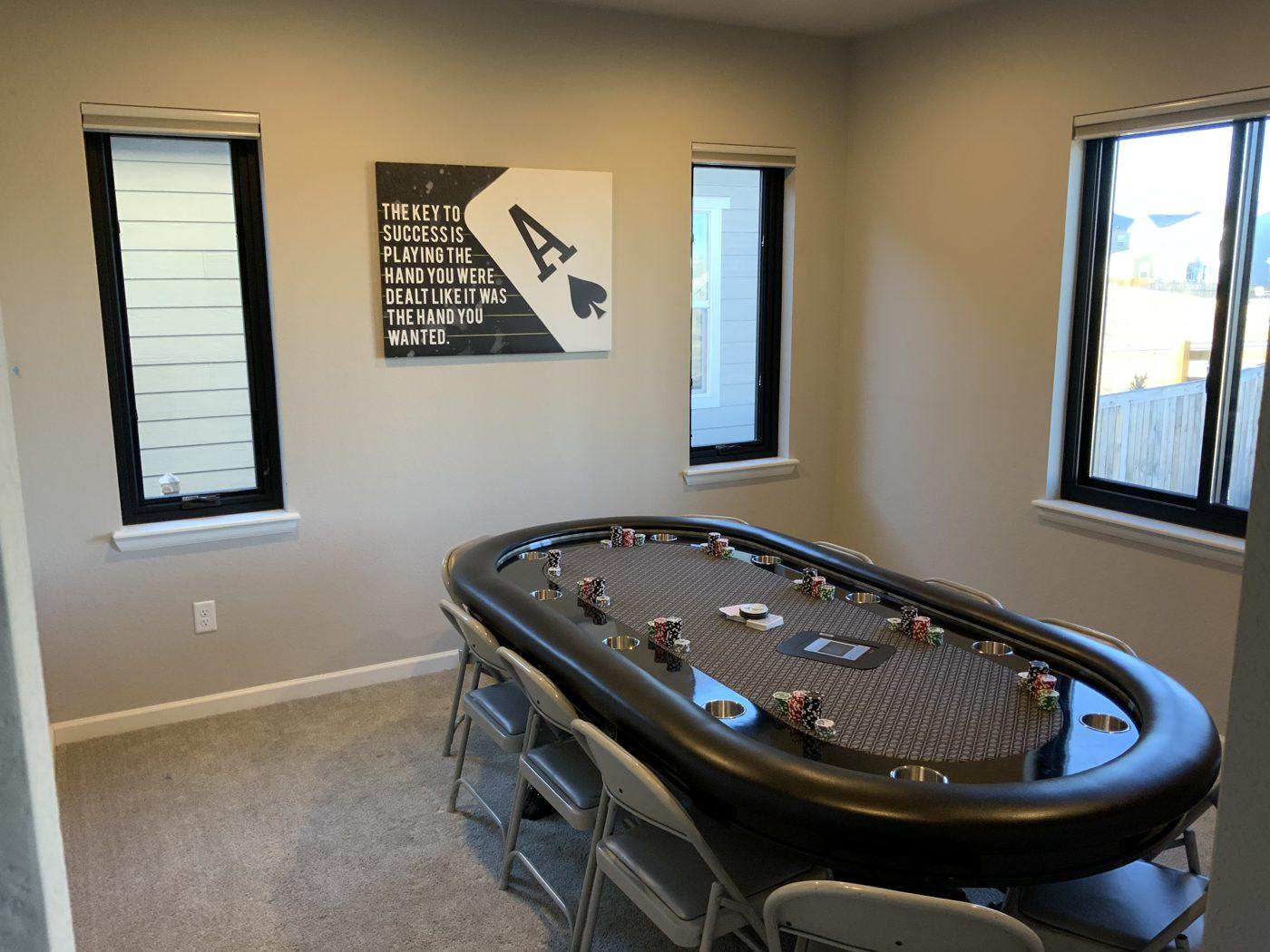
The same project from inside.
Also for siding and decks. Run one trade or any combination.
Windows questions
Does it price windows automatically?
Yes. Size and options set the price, with your minimums and special-shape rules built in.
Does it create a window schedule?
Yes. Every opening carries a room label, and the agreement produces a window schedule for production.
Can I add siding or decks later?
Yes. Each trade is its own module. Run one or any combination.
How is it priced?
A one-time setup plus a monthly subscription based on the modules you run and the size of your team, quoted on a demo call. How pricing works
Is windows in the free demo?
The free demo covers siding and decks. To see the windows app, book a demo. Book a demo